Best Buy Guidebook is a culmination of online publishing lessons learned. From SEO to paid ads, our team has experienced the highest of highs and the lowest of lows. Our goal now is simple: Arm readers with the most information possible.


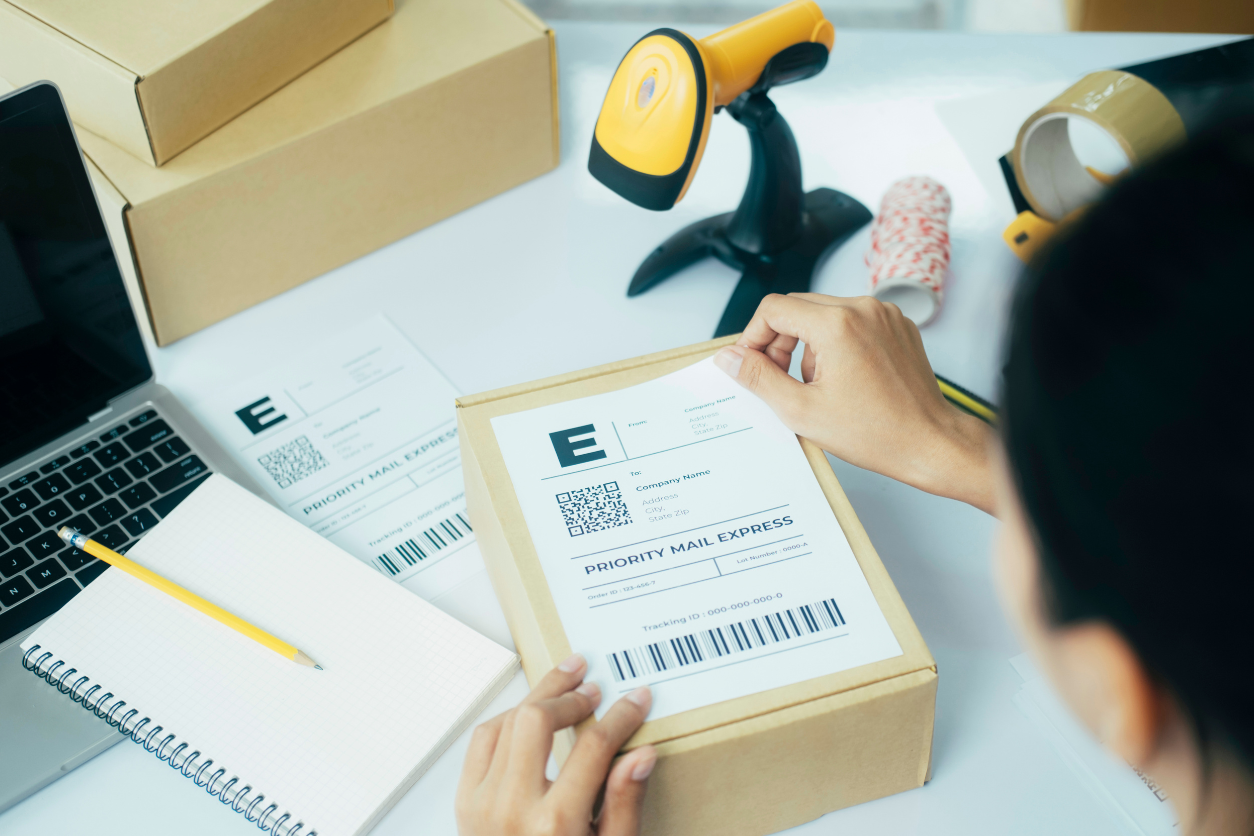
Whether from Walmart, Target, Amazon, or family and friends, you have, at some point, received delivery of goods you ordered online – it’s a staple of our modern age. Now, delivery boxes have taken on a signature appearance: a carton-brown box with a glued piece of paper bearing your name, address, weight, and cost of an item, and a tracking barcode. Such tediously detailed work is not a job for an ordinary printer. The top shipping label printers in 2025 are what e-commerce behemoths use tirelessly in the daily operation of their businesses. If you own a budding online e-commerce or logistics business or like to label gift items you ship yourself, you should get one of the premier shipping label products reviewed below.
You know what they say, anything worth doing is worth doing well. It’s the same concept when you’re buying a thermal printer for shipping labels for your business, you better be dead certain you’re buying the best on the market. Cultivating a culture of excellence serves efficiency and betterment – but don’t worry, we’re not stating obvious problems without offering any reasonable way forward. We’ll tell you how to find the good stuff amongst the bad, like the wheat from the chaff. But before then, let’s lay some groundwork, shall we?
Thermal printers are exactly what you think they are, printers using thermal energy. They employ a heated printhead, producing images on paper, as opposed to more conventional options using ink and toner.
Over the years, thermal printers have gained popularity in particular fields of work due to their improved quality and printing speed. A few of these industries include logistics (hence “shipping label printers”), banking, airlines, healthcare, fashion, and retail as well as wholesale.
It’s not like you’re in a hurry or anything, but right about now, we know you just want to know how these products work. We’ll get to that, but first you should know the two types of thermal printers – and how they work in different ways.
Thermal transfer printers are what happens when regular desktop ink printers get superpowers.
They work by using a heated printhead that applies heat to a ribbon, melting ink onto the media. The ink is absorbed so that the image becomes part of the material.
Though a subtle change, the difference is as clear as night and day. The image quality and durability are exponentially increased, and indeed, become unmatched.
Since they still work like regular printers, they can accept a wider variety of media than direct thermal models, which we’ll consider in a minute. These materials include paper, polyester, and polypropylene.
Direct thermal printers work slightly differently. Think of them as unique creatures that can create images directly on printed material without using a ribbon, toner, or ink. And, they’re usually what folks are referring to when they say “label printers for shipping”.
These products imprint images and text on paper using a chemically treated, heat-sensitive media that blackens when it passes under a thermal printhead. That’s as far, and as simplistic as our explanation goes. We really don’t want to get this to dissertation levels.
Both the direct thermal and thermal transfer types of shipping label printers exist in various forms. Some of these include:
From printing thousands of labels to printing non-stop daily, industrial printers are your best shot. They hold larger rolls of labels, bags, and tickets so you don’t need to change them as often.
As you can imagine, these printers are small enough to be carried around in hand and can print without cables. They connect wirelessly with both WiFi and Bluetooth and are used for printing at the point of transaction.
Wristbands are a common means of identification denoting legitimate entry into a space. Do you have a party coming up? A dedicated wristband printer is what you should use. Loading is fast and easy because they have cartridges that slot into space.
This is the kind used often at sporting events, and issuing tickets at movie theaters. They have taller cases so they can be loaded with more fan fold tickets, and are easily lockable – they are ticket printers after all.
As far as upsides go, there are about a bajillion and one reason to choose thermal printing over regular ink and toner variants. Here are a few of the many justifications:
We could go on and on, but we’re really reaching the tail end of our word count.
The last thing we want to do is lie to you, and we’re telling you right now that thermal printers are not always 100% satisfactory. All’s not well with the world simply because a printer lacks an ink cartridge and uses thermal energy. Here are a few common issues:
Usually, printers must be powered on and connected to the computer before installing the driver. You probably ran the installation with the printer disconnected or turned off. Uninstalling the driver and reinstalling should fix your problem.
First things first, ensure you’re using thermal labels. Also, confirm they are positioned correctly with the labels facing upwards.
Power on the printer. Press and hold the feed button until it flashes. Allow the printer to complete feeding labels and print a sensor profile. The printer should now be calibrated.
To improve the overall experience and feel of your printer, you might need accessories like a dispenser, a cutter, a label rewinder, and an in-line barcode verifier, to name a few.
Best Buy Guidebook is a culmination of online publishing lessons learned. From SEO to paid ads, our team has experienced the highest of highs and the lowest of lows. Our goal now is simple: Arm readers with the most information possible.