
Set Up Your Dream Desk: Tips for a Productive and Ergonomic Workspace

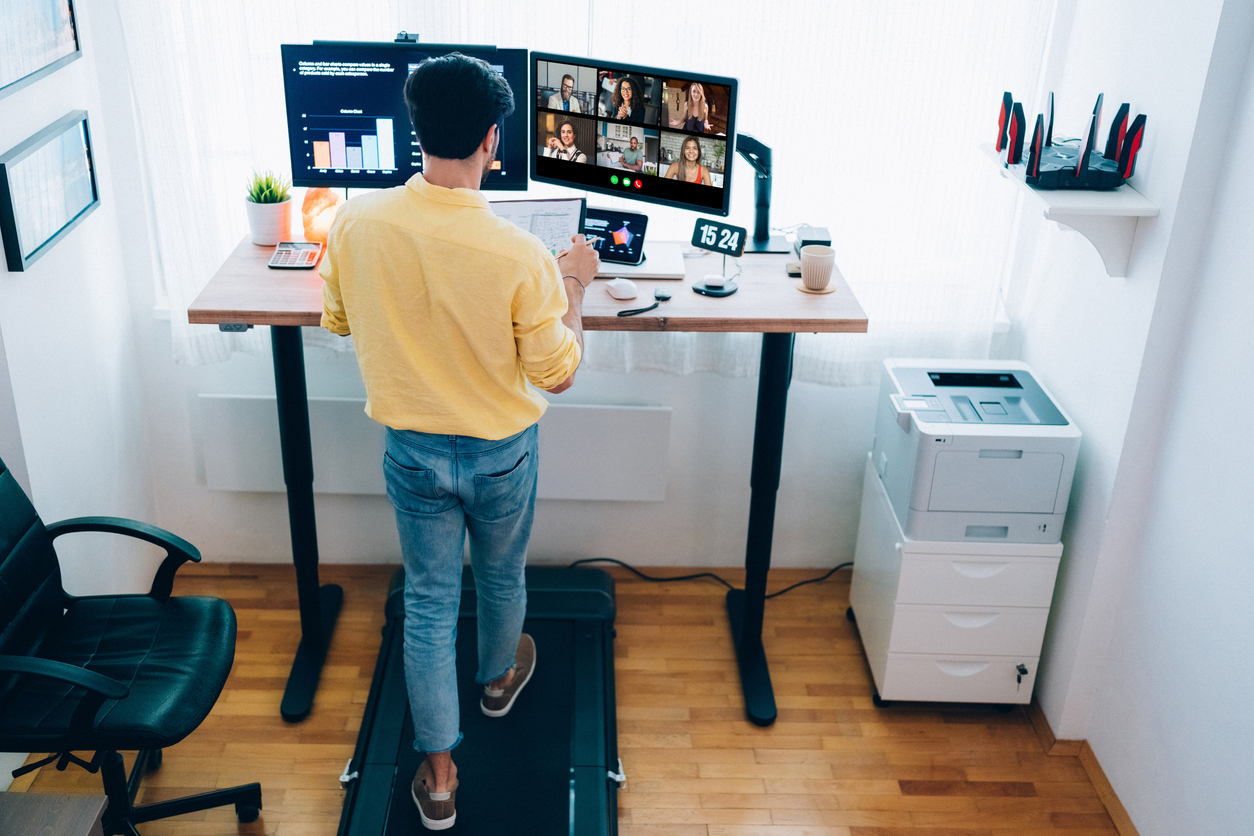
Having a productive and ergonomic workspace is essential for any modern office. Whether you’re working from home or in a traditional setting, you’ll want to set your desk up for optimal comfort and productivity. The good news is there are plenty of easy ways to upgrade your desk setup.
Creating a productive workspace should always be tailored toward your individual needs and preferences. In this post, we’ll share some ideas for experimenting with different office setups until you find one that works right for you. Read on and you’ll be sure to establish an amazing workspace that can help you tackle any project ahead!
Aesthetics
The aesthetic of your workspace is an important factor in maintaining a positive attitude and staying motivated. Choose a chair that you appreciate the look of as well as a nice desk that looks good while accommodating all of your office supplies. Add soothing elements or personal touches such as plants, pictures, and other decorations to make the space yours.
Ergonomics
Proper ergonomics ensure that you minimize any aches and pains throughout the day caused by sitting for too long, especially in an uncomfortable posture. Make sure that you invest in a chair that has armrests and features adjustable seat height and lumbar support. This will allow you to frequently adjust your position throughout the day to remain comfortable. Additionally, a desk riser can be used to raise monitors or laptops to eye level so they are the optimal viewing height, which will prevent neck and back pain.
Organization
Keeping a tidy and organized workspace will help to keep you focused on the task at hand. Have designated spots for all of your items including stationery, books and documents, cables, and other supplies. This will reduce the time spent searching for things throughout the day, saving you valuable time and energy.
Technology
Get familiar with all of the equipment you are using regularly — both hardware and software — so you can make use of all of the features available to you. Invest in good quality items like monitors, printers, and modems so they are more reliable for longer periods. Ensure your computer is up-to-date with anti-virus programs and firmware updates for optimal security. Certain apps can be used to track your tasks or limit the amount of time you spend surfing the web, so you can stay focused and hard at work.
Extras
If you want to take your workspace to the next level, consider investing in additional items to make your office more comfortable. Consider investing in a separate keyboard tray so that you don’t have to reach up to type on a laptop; a wrist cushion or pad can also ensure you remain comfortable typing without straining your wrists. Also, think about getting some quality speakers or headphones to block out distracting background noise while you work.
Final Thoughts!
Creating a productive and ergonomic workspace is key to maximizing efficiency and comfort while you work. With the right desk, chair, and accessories, you can create the perfect office that will enable you to work smarter, not harder. By evaluating your needs, you can tailor your workspace to suit your lifestyle and preferences. With these tips, you’ll be sure to have the desk setup of your dreams in no time!
Decades of Combined Expertise
Best Buy Guidebook is a culmination of online publishing lessons learned. From SEO to paid ads, our team has experienced the highest of highs and the lowest of lows. Our goal now is simple: Arm readers with the most information possible.