
Protecting Your Network with Internet Gateway: Configurations and Best Practices

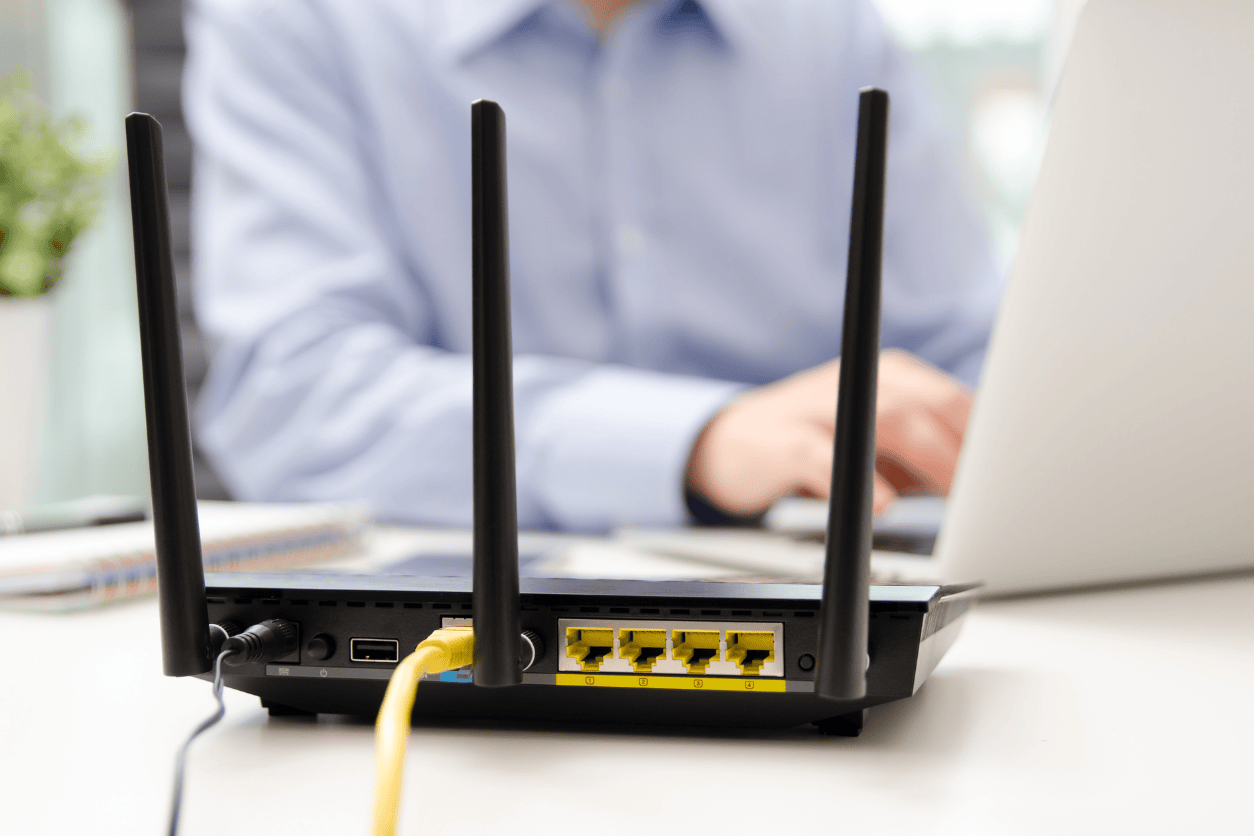
In recent years, cyberattacks have become increasingly diverse, with threats like DDoS attacks rising significantly. To combat advanced cyberattacks in a world where internet connectivity is ubiquitous, it’s crucial to implement robust security measures not only on endpoint devices but also at the internet gateway level.
Let’s look into the functions of internet gateways, their role in enhancing security, and the challenges they pose.
What is an Internet Gateway?
A gateway is essentially a device that acts as a bridge between different networks. Specifically, an internet gateway connects an internal network to the internet, serving as a relay point.
Its primary role is to translate between private and global IP addresses. Private IP addresses work within an internal network but need to be converted to global IP addresses for communication over the internet. The internet gateway handles this translation seamlessly.
More than just translation, the internet gateway monitors traffic and blocks unauthorized communications, safeguarding the internal network. It acts as the first line of defense against threats such as DDoS attacks and unauthorized access attempts. By doing so, it ensures that malicious traffic is intercepted before it can cause harm to internal systems or compromise sensitive data.
Given the increasing sophistication of cyberattacks, relying solely on endpoint security is no longer sufficient. Securing the communication relay points where internal networks connect to the internet has become indispensable. It’s a proactive approach to managing risks in today’s interconnected digital landscape.
Internet Gateway Configuration Guide
Firewalls play a critical role in blocking unauthorized access. They act as gatekeepers, monitoring and filtering incoming and outgoing traffic based on predefined security rules. The setup recommendations depend on whether you’re using a single or dual firewall configuration:
Single Firewall Configuration:
Place the firewall directly after the gateway. This ensures that all incoming and outgoing traffic is monitored, preventing harmful data from entering the internal network. This setup is cost-effective and suitable for smaller networks where simplicity and efficiency are key priorities.
Dual Firewall Configuration:
In setups like data centers or networks with a DMZ (demilitarized zone), use two firewalls. Place one immediately after the gateway and the other after the closed network. This creates an additional layer of protection by isolating sensitive internal resources from external threats and limiting the impact of potential breaches.
Setting up a DMZ
Adding a DMZ strengthens your security. A DMZ is a network zone designed for systems that need external access, such as web servers, mail servers, DNS servers, and proxy servers. By isolating these servers from the internal network, you can contain potential damage if a breach occurs.
The DMZ acts as a buffer zone, preventing direct access to the internal network. This means that even if an attacker compromises a server within the DMZ, they won’t have unrestricted access to the organization’s core systems. Properly configuring the DMZ with strict access controls and regular monitoring is crucial to its effectiveness.
Best Practices to Consider When Selecting an Internet Gateway
Security Requirements
Your internet gateway must prevent unauthorized access and quickly detect and address any breaches. Before investing in security equipment, assess your specific needs and choose a product with features tailored to meet those requirements. Look for functionalities such as intrusion detection and prevention systems (IDPS), advanced malware protection, and real-time threat intelligence integration.
Budget and Costs
When budgeting for security solutions, consider more than just the initial purchase cost. Operational and maintenance expenses can add up over time. A lower upfront cost may lead to higher long-term costs, so evaluate the total cost of ownership carefully to find the best value.
Also, consider scalability in your budgeting. As your network grows, you may need to upgrade or expand your security infrastructure. Picking a solution with flexible pricing models or modular components can help manage costs more effectively over time.
Performance and Scalability
Your gateway should handle current traffic efficiently and be scalable to accommodate future network growth. Consider factors like communication speed and flexibility when choosing a solution to ensure your network remains efficient and adaptable. Performance metrics such as throughput, latency, and concurrent connection limits are critical to evaluate.
Scalability also involves ensuring that the gateway can support emerging technologies, such as cloud integration and remote work solutions. As organizations increasingly rely on hybrid work models, the demand for secure and seamless connectivity will continue to grow.
Post-Implementation Support
Reliable support services are vital for maintaining system stability. Check if the provider offers expert assistance during security incidents. Quick access to professional help can significantly minimize potential damage.
In addition to reactive support, proactive services such as regular security audits, system updates, and performance optimization can enhance the overall effectiveness of your internet gateway. Consider providers that offer comprehensive support packages tailored to your organization’s needs.
An internet gateway is more than a connection point between your internal network and the internet; it’s a crucial security checkpoint. By translating private IP addresses to global ones and monitoring communications, it helps protect your internal network from external threats. Beyond functionality, it serves as a critical component of a broader cybersecurity strategy.
However, with cyberattacks evolving daily, no single security measure is enough. A layered defense combining firewalls, DMZ setups, and other security tools is essential. Regularly updating your defenses based on emerging threats and optimizing for your specific environment will ensure robust protection.
Remember, investing in the right internet gateway and associated security measures isn’t just about keeping up with threats, it’s about staying ahead of them. By adopting a forward-thinking approach and leveraging best practices, organizations can create a resilient defense against even the most sophisticated cyberattacks. The key lies in understanding your unique requirements, planning for the future, and integrating technologies that deliver both performance and peace of mind.
Decades of Combined Expertise
Best Buy Guidebook is a culmination of online publishing lessons learned. From SEO to paid ads, our team has experienced the highest of highs and the lowest of lows. Our goal now is simple: Arm readers with the most information possible.