
This Tiny Device Can Turn Your Apartment Into a Smart Home


The idea of turning your apartment into a smart home might sound like complicated and costly work, but a single smart plug can change that narrative entirely. This affordable and easy-to-use device bridges the gap between your traditional appliances and the connected world of smart technology. By simply plugging it into your existing outlets, you can control your lamps, coffee makers, fans, and more using your smartphone or voice commands.
Smart plugs also enhance your everyday life. With advanced features, these tiny devices are committed to making your life easier. If you’ve ever wanted to wake up to a freshly brewed coffee or make it look like you’re home while on vacation, this device makes it possible.
Let’s dive into what a smart plug is, how to set it up, and how it can transform your apartment into a smart home.
What is a Smart Plug?
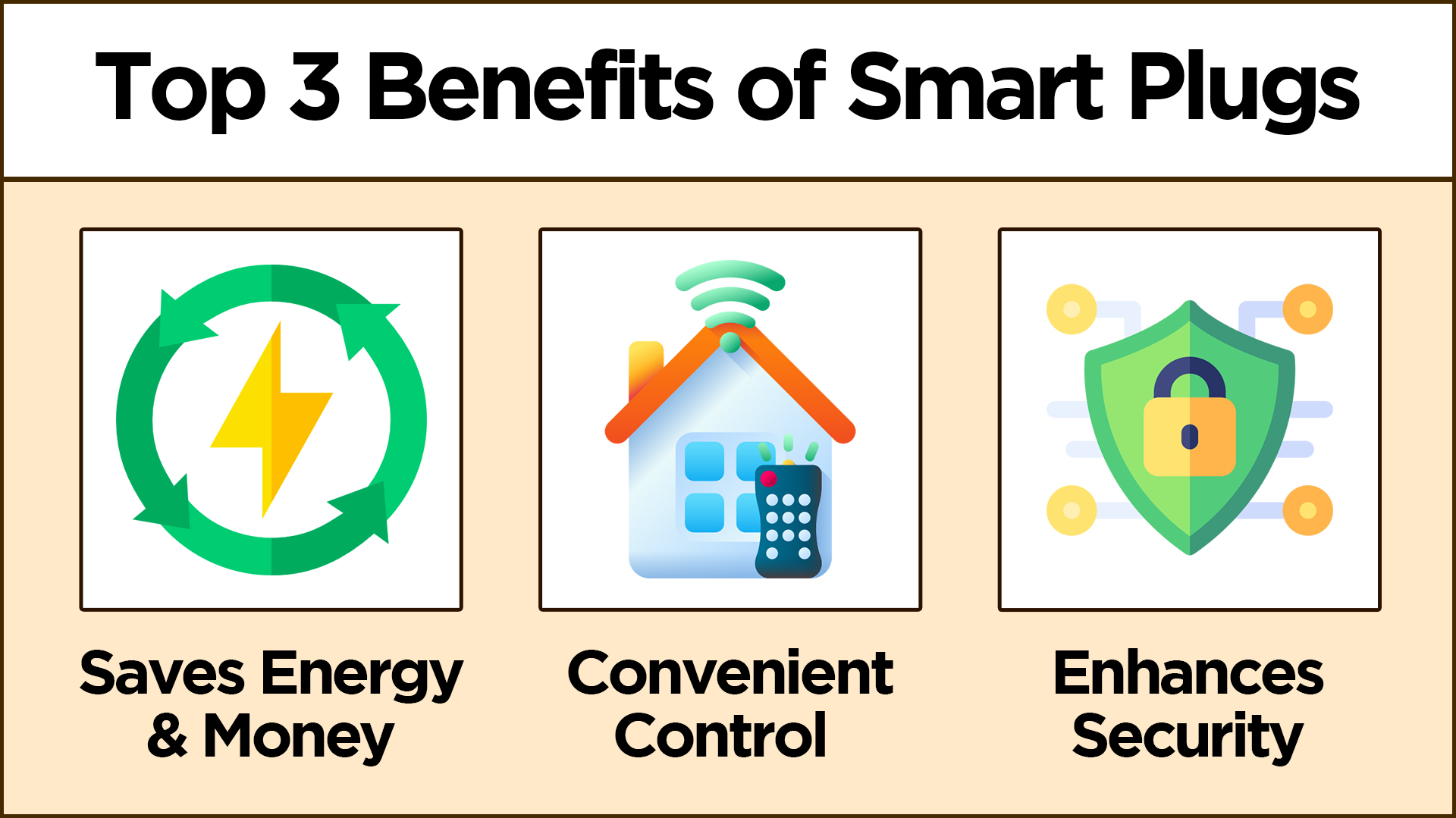
A smart plug is a compact, Wi-Fi-enabled device that fits directly into your standard power outlet. Once installed, it allows you to control the power supply to any device plugged into it through an app on your phone. It essentially acts as a bridge between your “dumb” appliances and your smart home ecosystem.
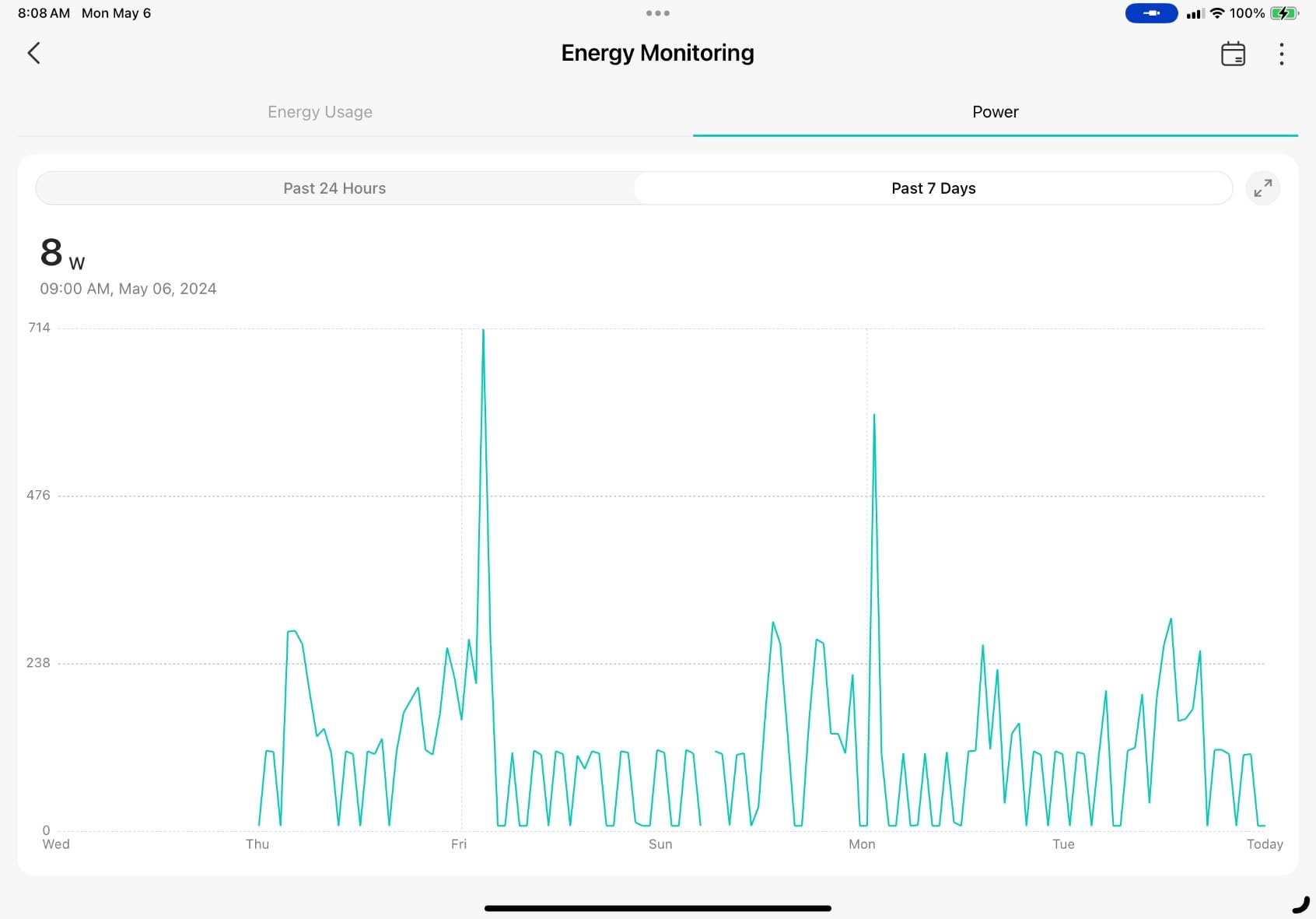
Many smart plugs come equipped with advanced features like energy usage monitoring, scheduling, and even compatibility with voice assistants like Amazon Alexa, Google Assistant, or Apple HomeKit. Some models also include multiple outlets or USB ports that give you even more control over your devices.
How Smart Plugs Transform Your Apartment Into ‘Smart Home’
Smart plugs are one of those small gadgets that quietly revolutionize the way you manage your home. Here are five practical and creative ways to get the most out of your smart plug.
1. Turn Basic Lamps Into Smart Lights
Not every light in your home needs a smart bulb to feel modern. A smart plug can instantly bring automation to any lamp you love. Plug in your bedside lamp or that IKEA desk light, and you can schedule it to turn on when you wake up or shut off when you head to bed. It’s especially handy for plant lights if you’re trying to keep your greenery happy in a dimly lit home—just set it to provide a few hours of light each day, and your plants will thank you.
2. Bring Holiday Decorations to Life
Managing holiday lights is often more effort than it should be—plugging them in, unplugging them, forgetting to turn them off. Smart plugs fix that entirely. Hook your Christmas tree or outdoor decorations up to one, and you can control everything with a single tap or voice command. Better yet, set a schedule so your house lights up at just the right time each evening.
3. Make Mornings Smoother in the Kitchen
A good morning starts with a seamless routine, and a smart plug can make it happen. Connect your coffee maker, kettle, or even a slow cooker to have breakfast prepped without lifting a finger. Imagine waking up and saying, “Start breakfast,” and your coffee begins brewing while your eggs warm up in the cooker.
4. Stop Phantom Power Drain
Many devices draw power even when they’re off—your TV, sound system, and computer peripherals all contribute to what’s called phantom power. This trickle of electricity adds up over time and increases your bills without offering any benefit. With a smart plug, you can eliminate this waste by scheduling these devices to fully power down during the hours you don’t need them.
5. Simplify Home Security
If you have indoor cameras or other home security devices, a smart plug is an excellent way to manage their usage. Instead of leaving cameras running 24/7, schedule them to turn on only when you’re away. With a simple voice command like, “Hey Google, I’m heading out,” your cameras can power on, ensuring your home is monitored while you’re gone. When you return, the same command can switch them off.
How to Set Up Your Smart Plug
Setting up a smart plug is quick, easy, and doesn’t require any technical expertise. Here’s how you can do it:
Step 1: Choose the Right Smart Plug
Select a smart plug that suits your needs. Popular options like the TP-Link Kasa Smart Plug Mini offer great features, including scheduling, voice assistant compatibility, and compact designs that keep your other outlets free.
Step 2: Download the Companion App
Most smart plugs work with a dedicated app like Kasa, Smart Life, or another brand-specific app. Download the app on your smartphone and create an account if needed.
Step 3: Connect the Smart Plug
Plug the device into an outlet. A light on the smart plug will typically indicate that it’s ready to pair. Open the app and follow the on-screen instructions to connect the plug to your Wi-Fi network. Ensure your Wi-Fi is set to 2.4 GHz, as most smart plugs don’t support 5 GHz connections.
Step 4: Name Your Device
Once connected, you can name the device (e.g., “Living Room Lamp” or “Coffee Maker”) for easy identification. You can even upload a photo of the device for a custom icon in the app.
Step 5: Test the Connection
Finally, open the app and test the on/off function for the connected device. If it responds, your setup is complete.
Decades of Combined Expertise
Best Buy Guidebook is a culmination of online publishing lessons learned. From SEO to paid ads, our team has experienced the highest of highs and the lowest of lows. Our goal now is simple: Arm readers with the most information possible.