
Why Cleaning Your Dyson Filter Matters (and How to Do It Right)

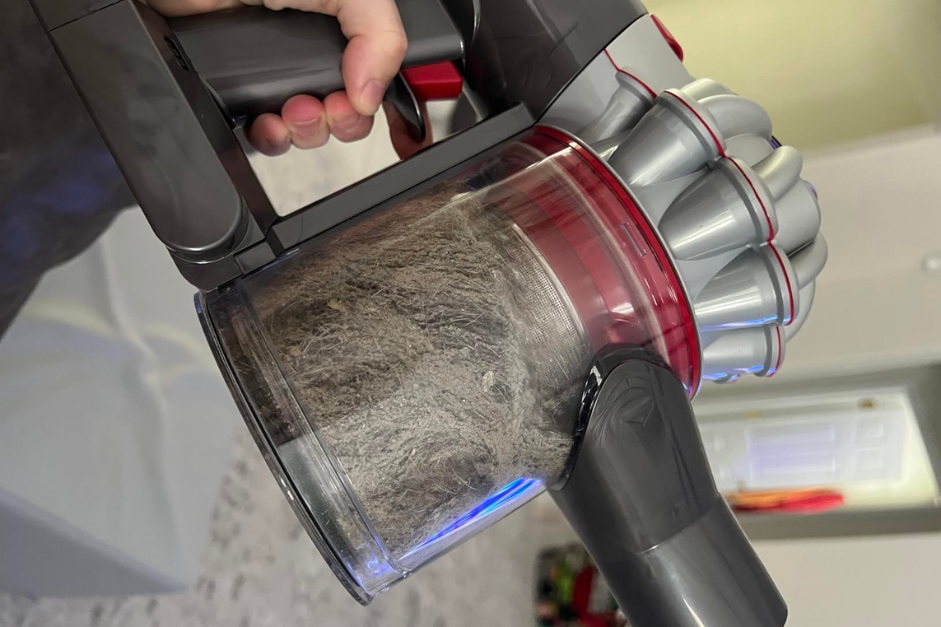
If you own a Dyson vacuum, chances are you appreciate its powerful suction and sleek design. However, even the best vacuums need regular upkeep to function properly. One critical part of this maintenance involves cleaning the vacuum filter. Learning how to clean Dyson vacuum filter is essential to keep your machine running like new and to avoid common performance issues. Neglecting this step can lead to reduced suction power, poor air filtration, and even unpleasant odors during use. Fortunately, cleaning the filter is a simple process that doesn’t take much time, but it pays off significantly.
Your vacuum filter acts like a gatekeeper; it catches all the dust, allergens, and fine particles before they escape into the air. Over time, though, all that debris starts to build up, choking the filter and making your vacuum work harder than it should. This not only impacts its cleaning efficiency but can also shorten the lifespan of your machine. A clean filter means better suction, cleaner air, and a longer-lasting vacuum.
Let’s dive into why this task is so important and how to clean your Dyson filter the right way.
Why Keeping Your Dyson Filter is Non-Negotiable
The filter in your Dyson might not be something you think about every day, but it’s doing the heavy lifting when it comes to trapping microscopic particles. A clogged filter doesn’t just compromise suction; it affects everything from your vacuum’s efficiency to the air you breathe.
When dust and debris clog the filter, airflow is restricted. Suddenly, your Dyson feels less powerful and struggles to pick up even the smallest crumbs. That is a sign that your vacuum is working harder than it should, which can strain the motor over time. And it doesn’t stop there. A dirty filter also means your vacuum isn’t filtering the air properly. Instead of trapping allergens and dust, it can blow them right back into your home.
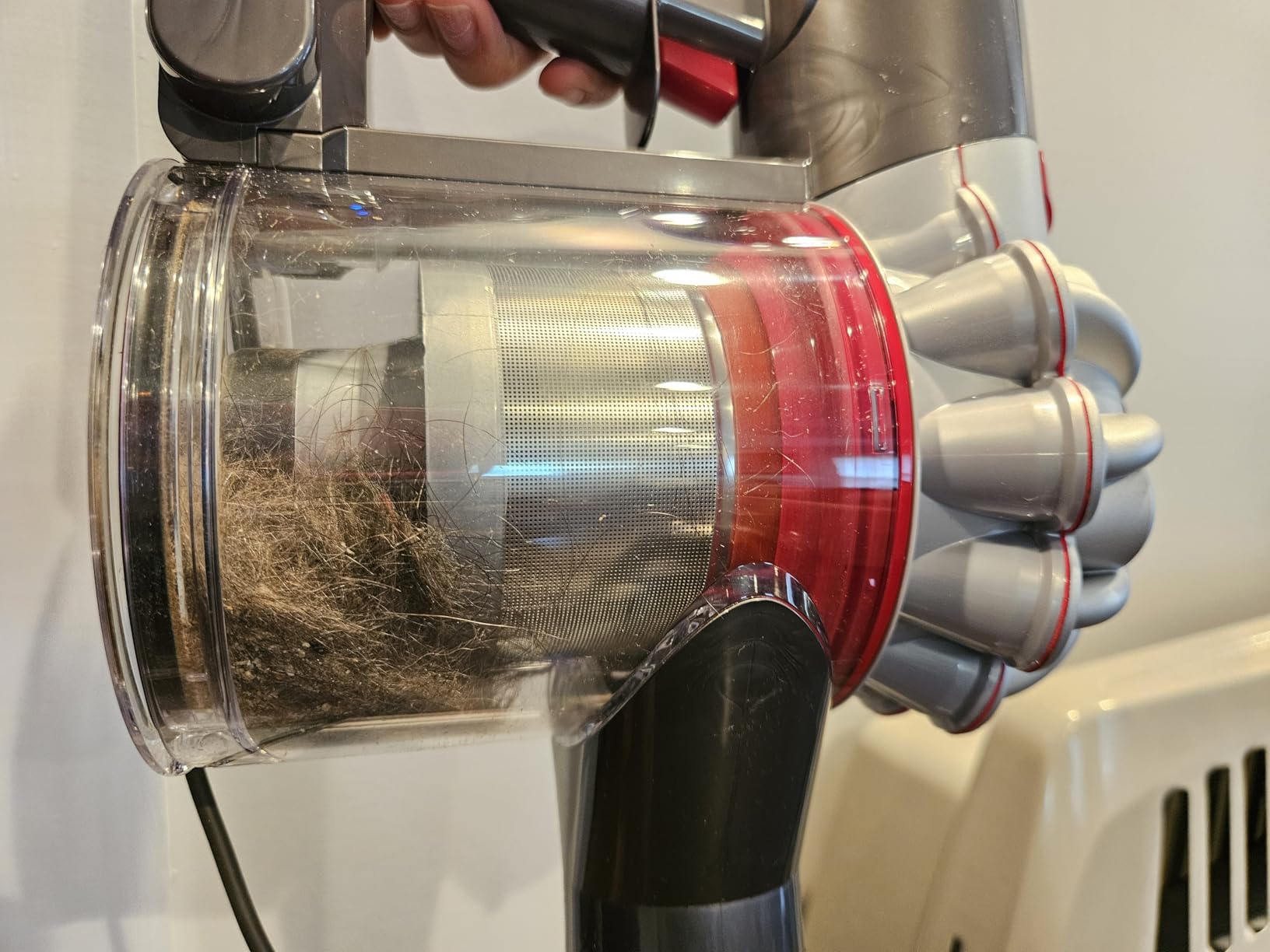
Regular cleaning ensures your vacuum operates at peak performance. It also extends the lifespan of the motor and saves you from costly repairs or replacements.
How Often Should You Clean the Dyson Filter?
The frequency of cleaning your Dyson filter depends on how often you use your vacuum and the type of environment it’s cleaning. Dyson recommends washing the filter at least once a month, but that’s just a general guideline. If you have pets, or children, or live in a particularly dusty area, you may need to clean it more frequently.
A good rule of thumb is to check the filter every few weeks. If it looks visibly dirty or your vacuum isn’t performing as well as it should, it’s time to give the filter a wash. Waiting too long can cause blockages that not only compromise cleaning efficiency but also place unnecessary strain on the motor.
How to Clean Dyson Vacuum Filter the Right Way
Cleaning your Dyson vacuum filter might sound intimidating, but it’s a straightforward process that anyone can do. Here’s a step-by-step guide to get the job done quickly and efficiently:
- Turn off and unplug the vacuum: Before you start, make sure the vacuum is completely powered down. Safety first!
- Locate the filter: Dyson vacuums typically have one or two filters, depending on the model. Common filter locations include near the motor or in the cyclone assembly. Check your user manual if you’re unsure.
- Remove the filter: Twist or pull the filter out carefully, depending on its design. Avoid using excessive force, as you don’t want to damage it.
- Rinse with cold water: Take the filter to the sink and rinse it thoroughly under cold running water. Gently squeeze the filter to remove trapped dirt, but don’t use soap or detergent, as this can leave a residue that might damage the filter.
- Repeat until clean: Keep rinsing and squeezing until the water runs clear. This may take a few minutes, depending on how dirty the filter is.
- Air-dry completely: Shake off excess water and leave the filter to air-dry for at least 24 hours. Place it in a warm, dry spot, but avoid direct sunlight or heat sources, as these can warp the material.
- Reinstall the filter: Once it’s completely dry, reinsert the filter into the vacuum and secure it in place.
Signs It’s Time to Replace Your Filter
Even with regular cleaning, your Dyson filter won’t last forever. Over time, filters wear out, and knowing when to replace them is just as important as cleaning them. Typically, Dyson recommends replacing filters every 12 months, but heavy use or particularly dusty environments may shorten this timeline. There are some clear signs that your filter is no longer doing its job effectively.
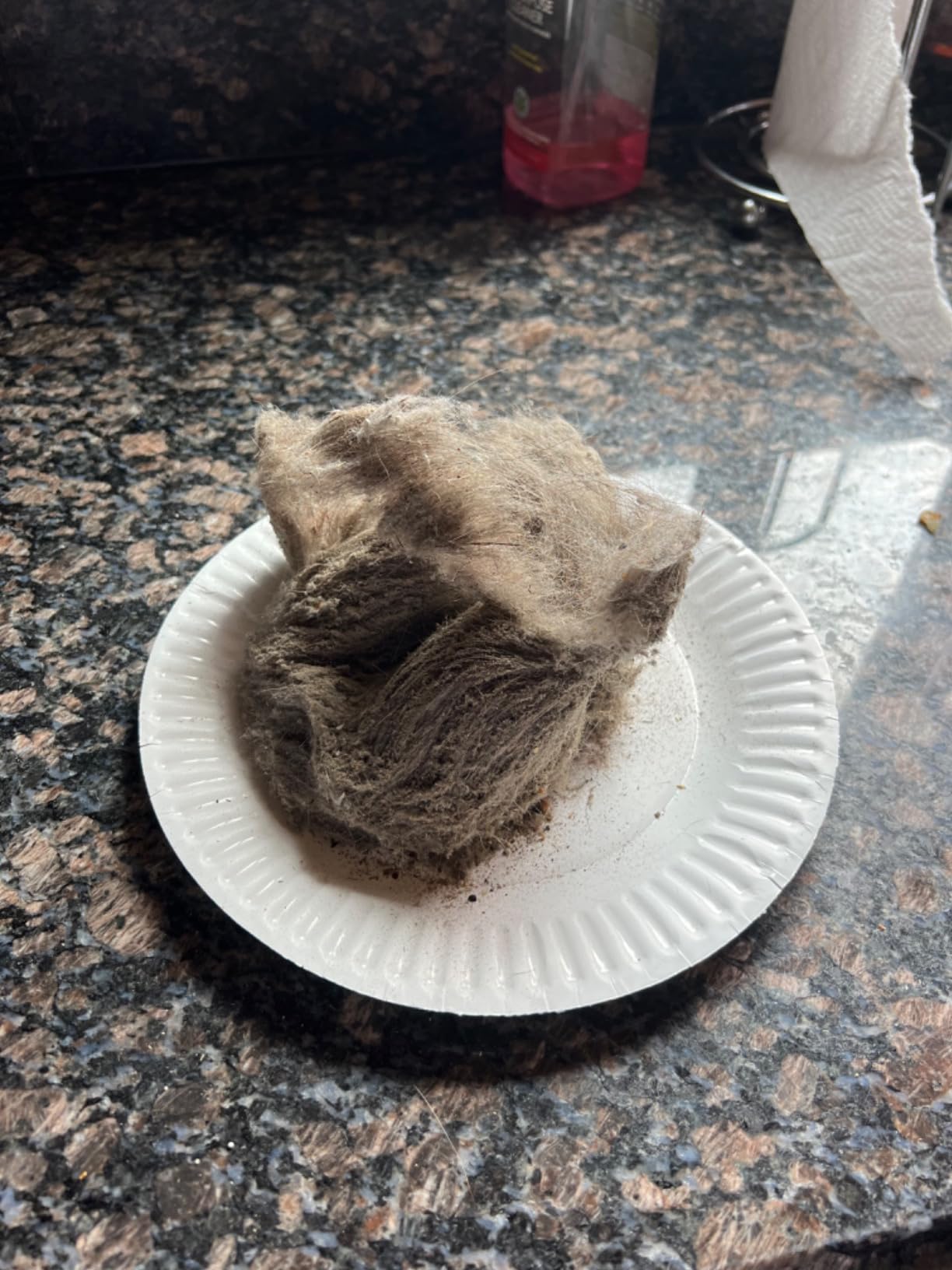
If the filter looks visibly damaged, such as with cracks, tears, or warping, it’s time to swap it out. Another red flag is if cleaning no longer improves your vacuum’s performance—when suction remains weak, even after you’ve washed the filter thoroughly, it’s likely clogged beyond recovery. Frequent overheating is another indication of a failing filter. A worn-out filter restricts airflow and forces the motor to work harder leading to shutdowns during use. Additionally, persistent odors coming from your vacuum, even after cleaning, can mean the filter has absorbed too much debris and is no longer functioning as it should.
Maintaining Your Dyson Beyond the Filter
While the filter is key, other parts of your Dyson also need care to keep it running like new. Start with the dustbin—empty it regularly, even if it’s not full, to maintain strong airflow and prevent clogs. The brush bar is another important spot; tangled hair and debris can stop it from spinning effectively. Use scissors to carefully cut away anything wrapped around it. Lastly, check the hoses for blockages. Small items or dust buildup can get stuck and reduce suction, so disconnect the hose occasionally and clear any obstructions. When you take care of these parts alongside regular filter cleaning, your Dyson stays efficient, powerful, and ready for all the mess life throws your way.
Decades of Combined Expertise
Best Buy Guidebook is a culmination of online publishing lessons learned. From SEO to paid ads, our team has experienced the highest of highs and the lowest of lows. Our goal now is simple: Arm readers with the most information possible.